My approach to creating levels
I started in a greybox, experimenting with the mechanics until I found an interaction worth building a level around. Then I designed the path into it: the buildup that puts the player in the right situation, so the level is a full experience and not just the gimmick. If a level didn't work at this stage, I asked a colleague for a different perspective, and if that didn't solve it, I parked the problem and came back when the right idea showed up. Once a level held up, I playtested it: watching what the player noticed first and whether their first thought matched what I wanted them to think in that situation.
Puree, fries, wedges
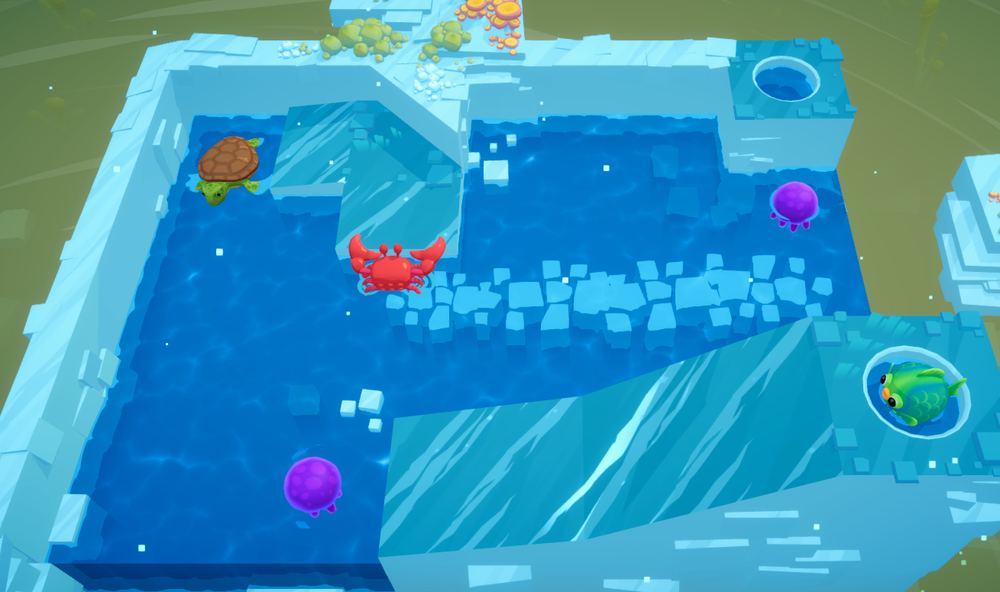
The game is built in sections of nine levels, and each section introduces one new animal. Every level in that section has to use it, so my work was finding enough interactions to keep one mechanic interesting nine times in a row: reusing gimmicks the player already knows in new roles, and raising the difficulty by combining more mechanics as the section goes on. Later in the game those animals come back and interact with each other, which keeps opening new combinations.
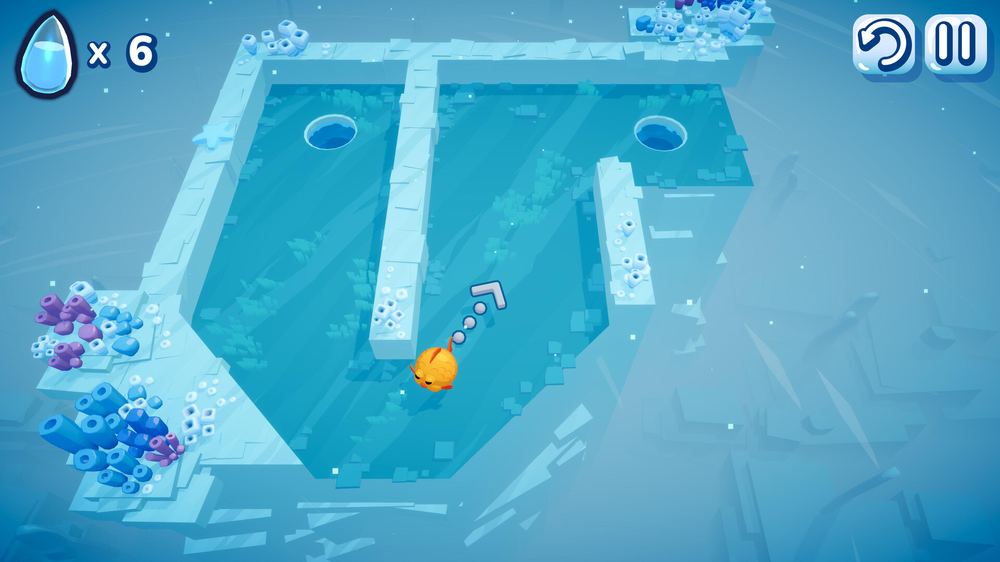
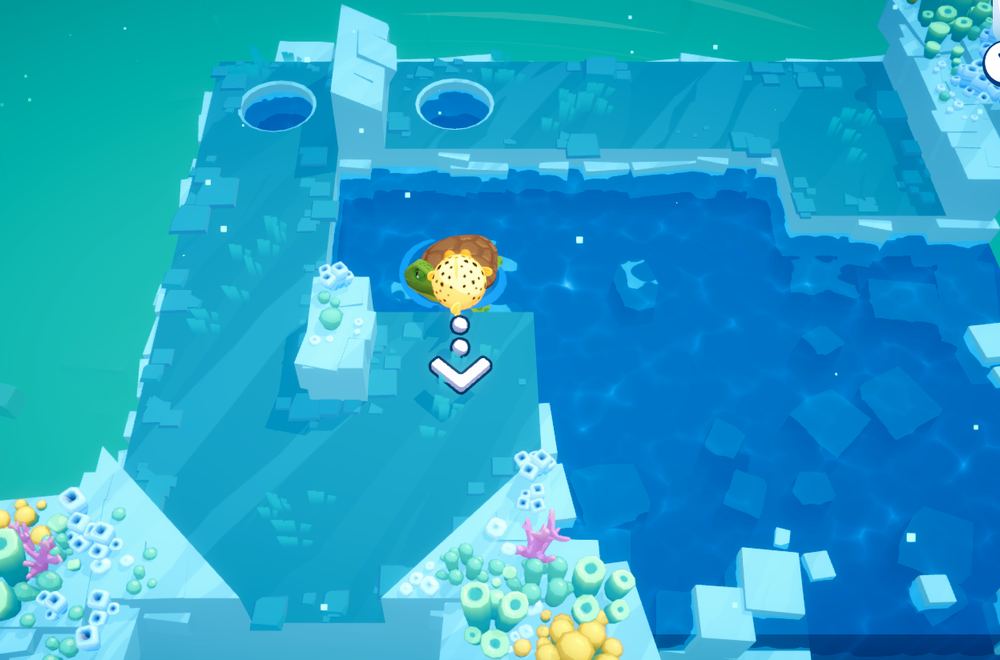
Aiming a shot. The goal is always to use as few shots and droplets as possible.
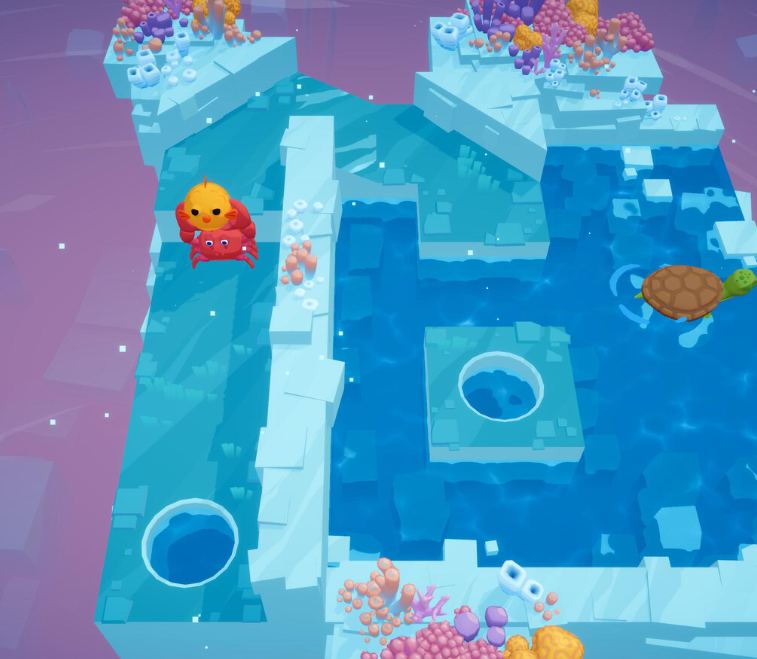
Two of my levels using a double corner into the end hole, each with different animals interacting.
Who needs a tutorial?
I had one hard rule: the player proves they understand a mechanic before any level builds on it. Whenever a level asks for a trick, the player has already done that trick in a simpler situation, so nobody fails because they were never taught. On top of that, I never used the same setup twice, so familiar pieces keep showing up in unfamiliar ways across all levels.
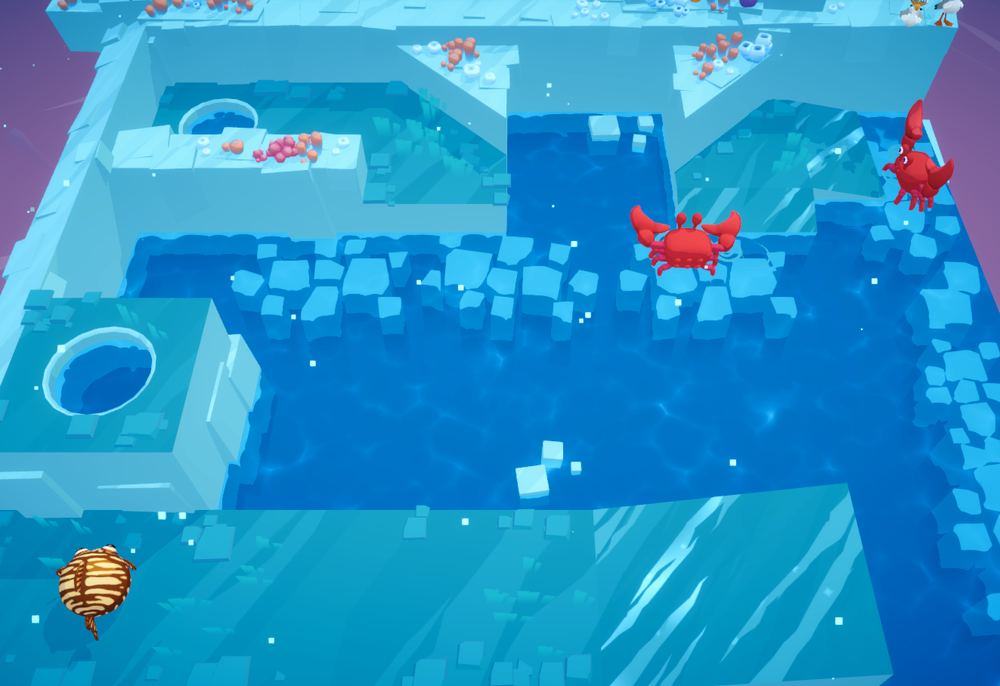
The same level rebuilt with different pieces. The core of the gameplay stays the same, so the player understands it right away because it feels familiar.
My design approach
When designing a level on paper, I worked from four angles:
- Combinations of mechanics I hadn't used yet.
- New ways to reuse existing gimmicks.
- Level ideas suggested by colleagues, polished to make their ideas shine.
- New ways for the player to interact with a mechanic, and how to teach them.